XKILL, but for macos
Make them go away
Various applications crash sometime on my work mac, leaving their small annoying windows open, with no obvious recourse to make them go away. I had another instance of that recently, when chrome crash, and the 'Report issue' window opened and also crashed - and I couldn't get it to close.
Clicking the red button did not help, Right Click + Quit did not help, CMD + Q did not help. I couldn't figure out what process owns that window, so I couldn't grep & kill my way out of it.

Finally I gave up and told my goon Claude to take care of this, which he grimly did. Using some more trial and error grepping, he found the process, got it's pid and killed it.
I also had similar issue with the AWS VPN client app, that tends to open a couple of windows, one normal, one for update, one for connection error, and if you want to close it you need to close it 'in order' from the top, otherwise the buttons are not clickable at all.
I did not have this issue on my linux machines, because I've always used a little util called xkill. You run it from the terminal, click the offending window and it gets nuked immediatley.

I couldn't find similar tool in mac, so I prompted one out.
mxkill
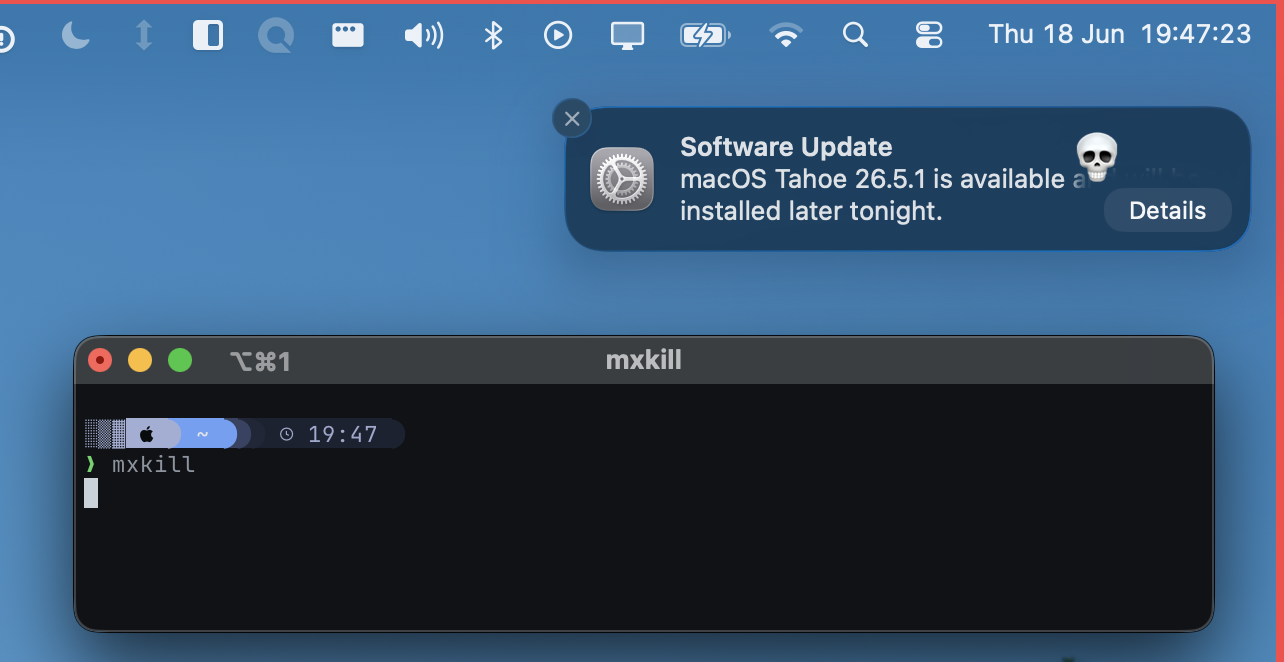
It's just xkill but for mac. You can run it from the terminal, then pick a window and make it go away.

It works for a lot of UI parts, you can kill the desktop widgets, app on a tray, or if you click on the wifi or battery icons, you can kill the 'Control Center' which I thought is very funny.
You can find the source here. The terminal from which it runs needs to have accessibility permissions. Check it out!
Showcase